
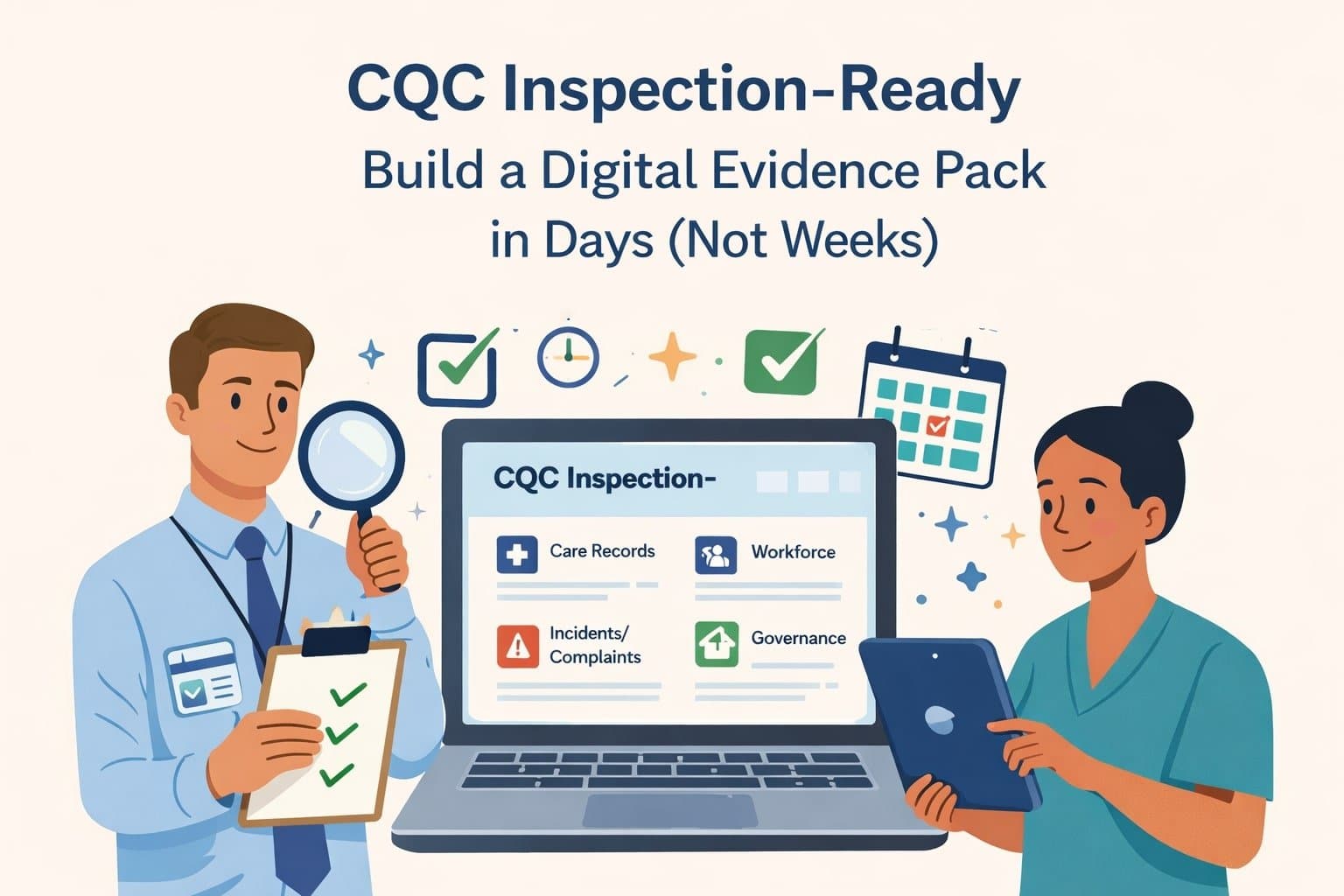
CQC inspections can feel stressful, but the stress usually comes from one thing: scrambling for evidence.
A digital evidence pack is simply a neat set of folders (and a few reliable reports) that lets you show, quickly, how you run a safe service and how you learn and improve.
In this guide, you’ll build an inspection-ready pack in days — then keep it updated in minutes each week.
Contents
This guide covers:
- what a “digital evidence pack” means
- a folder structure inspectors can follow
- a 3-day build plan
- what to include under Safe, Effective, Caring, Responsive, Well-led
- a quick inspection-day checklist
- FAQs
What a digital evidence pack is (in plain English)
Think of your pack as your “one-click” answer to common inspection questions.
It should help you answer:
- How do you know people are safe?
- How do you know staff are competent?
- How do you spot issues early?
- What did you do after an incident, complaint or audit?
- How do you know the change worked?
It’s not a dumping ground. It’s curated proof.
The folder structure (keep it boring)
Create five top-level folders based on the CQC key questions:
- 01 Safe
- 02 Effective
- 03 Caring
- 04 Responsive
- 05 Well-led
Then add:
- 99 Quick Exports (PDF)
Inside each key-question folder, use the same four sub-folders:
- A Policies & Processes (only the essentials)
- B Checks & Audits
- C Actions & Learning
- D Examples (anonymised)
Add a short READ ME file in each top-level folder explaining:
- what’s inside
- who owns it
- when it was last reviewed
Build it in 3 days (not 3 weeks)
Day 1: Set the foundations
Create the folders above in a secure shared location (SharePoint/Google Drive).
Make a simple index (a table is fine) with:
Document / Owner / Location / Last updated / Next review.
Pick one owner (Registered Manager) and one back-up.
Outcome: you have a structure you can explain in 30 seconds.
Day 2: Pull your “quick wins”
Aim for clean, exportable evidence that shows oversight:
- training matrix (who’s compliant, who’s due, what’s overdue)
- staff profile summaries (role, checks, training status)
- audit summaries (care plans, meds, IPC, H&S, documentation)
- action list (open actions, owners, due dates)
- a couple of anonymised examples of good care planning and reviews
Put these in 99 Quick Exports (PDF) so you can find them instantly.
Outcome: you can demonstrate control of the basics.
Day 3: Add what inspectors really want: learning
Choose one or two real stories and document the full cycle:
- what happened (incident/complaint/audit finding)
- what you did (actions, staff briefing, process change)
- how you checked it worked (re-audit, spot check, reduced errors, better records)
This “audit → action → impact” trail is gold. It shows you’re well-led, not just well-filed.
What to include under each key question
Safe
Include:
- risk assessments and reviews (and how you monitor controls)
- medication evidence (where relevant): MAR examples, error learning, stock checks
- safeguarding: log overview, outcomes, learning shared
- IPC checks and any outbreak learning
- incident themes and actions
Effective
Include:
- training compliance and expiry tracking
- competency sign-offs (where applicable)
- care plan review schedule and reminders
- examples of assessments and person-centred plans (anonymised)
Caring
Include:
- evidence of choice, consent, and involvement
- feedback themes (compliments, surveys, family input)
- examples showing dignity, respect, communication needs
Responsive
Include:
- how you manage change (deterioration, hospital discharge, increased needs)
- complaints process and outcomes
- examples of quick plan updates and follow-up
Well-led
Include:
- governance calendar (what you check and when)
- audit programme, results, actions, and impact checks
- supervision/appraisal schedule and samples
- how you track trends (and what you changed because of them)
Fast wins that make your pack look professional
Use consistent file naming, for example: YYYY-MM Audit – Medication – Summary.pdf.
Put one-page summaries first, with detail behind them.
Anonymise properly (remove names/addresses; keep dates and the story).
Keep a small “Inspection Day” set: the 10 files you’ll open first.
Do a 20-minute mock walkthrough: can you find everything without searching?
Inspection-day checklist
- I can explain the folder structure in 30 seconds.
- I have recent PDF exports for training, audits, actions, and key logs.
- I can show at least one “audit → action → impact” example.
- I have 3–5 anonymised examples of real practice.
- Key staff know where the pack is and how to access it.
FAQs
How fast can I build this?
If your records are already in one system, you can create a usable pack in a few days and improve it over time.
Do I need every policy in the pack?
No. Keep the pack curated. Link to your full policy library, but don’t overwhelm inspectors with noise.
How do I keep it up to date?
Add a short weekly habit: export the latest reports, file one learning example, and update the index. Little and often.
Next step: make it easy on yourself
If your evidence is sitting in different places, building a pack takes longer than it should.
The quickest route is to keep care planning, audits, staff compliance, tasks, and reports in one place — so your evidence pack becomes mostly export + file.
If you want to see how PlanLog supports that “all-in-one” approach, book a demo:
https://planlog.co.uk/contact-us